
Changing LLS scale
To change the scale settings of the LLS sensor:
- Enter the Min scale value (0) and the Max scale value (1023 / 4095) depending on your sensor type.
- Click OK to confirm.
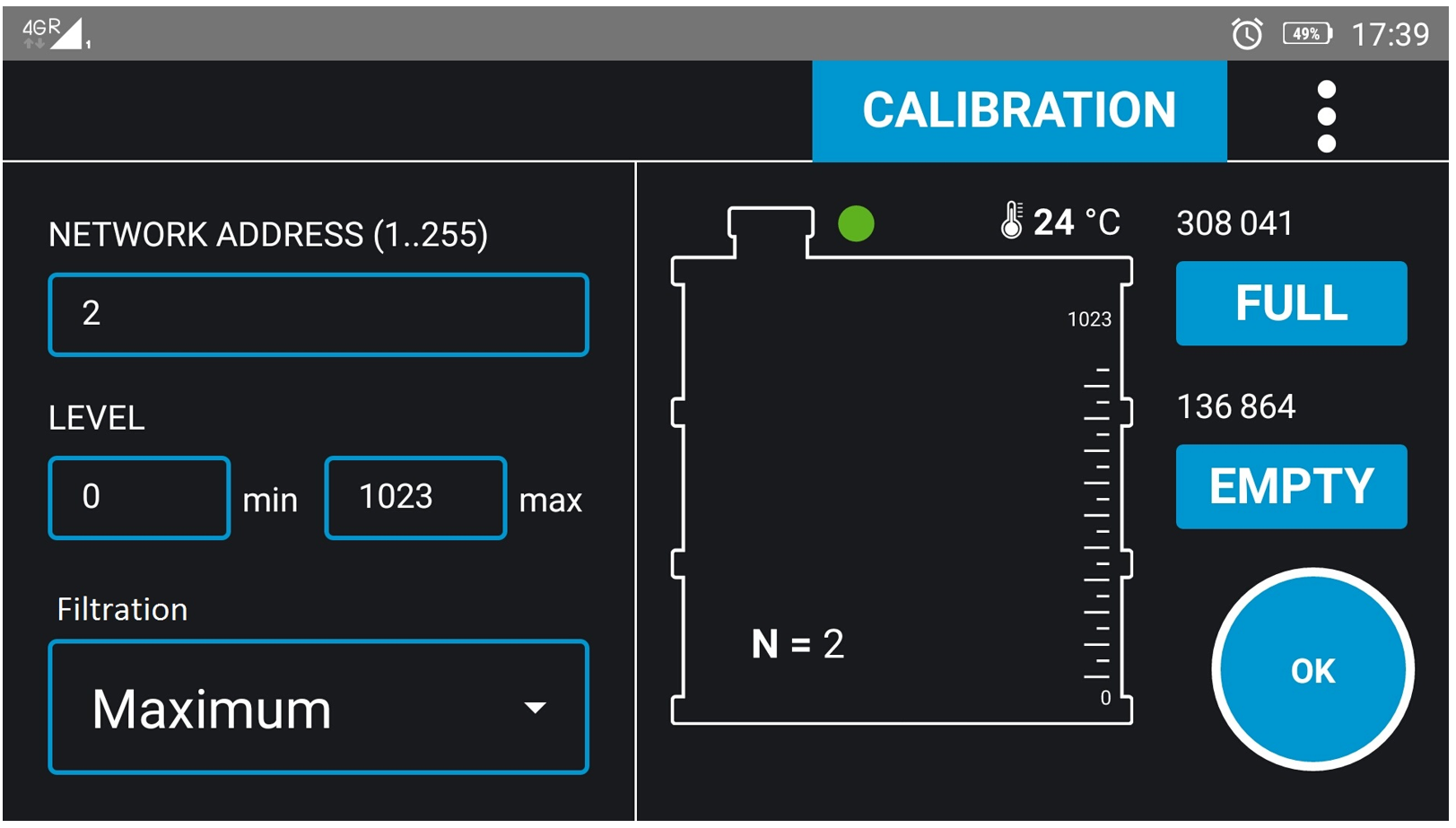
Min. Level (0…4094)
Minimum Reading
Set the minimum reading of the Omnicomm LLS fuel level sensor.
Default value: 0.
Max. Level (1…4095)
Maximum Reading
Set the maximum reading of the Omnicomm LLS sensor.
Adjusting the maximum reading changes the scale division value to match different units of level measurement.
Default value: 4095.
To determine the correct Max scale value:
- Check the sensor label
- Review the passport (datasheet)
- Use the device information displayed automatically in the Omnicomm Configurator.
Important Notes:
- Always ensure the correct scale is set before calibration or parameter reading.
- Selecting the wrong scale may cause incorrect fuel level readings.
- After changing the scale, it is recommended to read parameters again to confirm the update.
Recommendation:
- If you are unsure which scale to enter, press Read in the configurator. The app will automatically retrieve the current scale from the connected sensor.
