Language selection
1. Start the application.
2. Tap the three dots in the upper-right corner.
3. Select the last option Application settings.
4. Tap English from the list of available languages.
5. Confirm your choice by clicking OK.
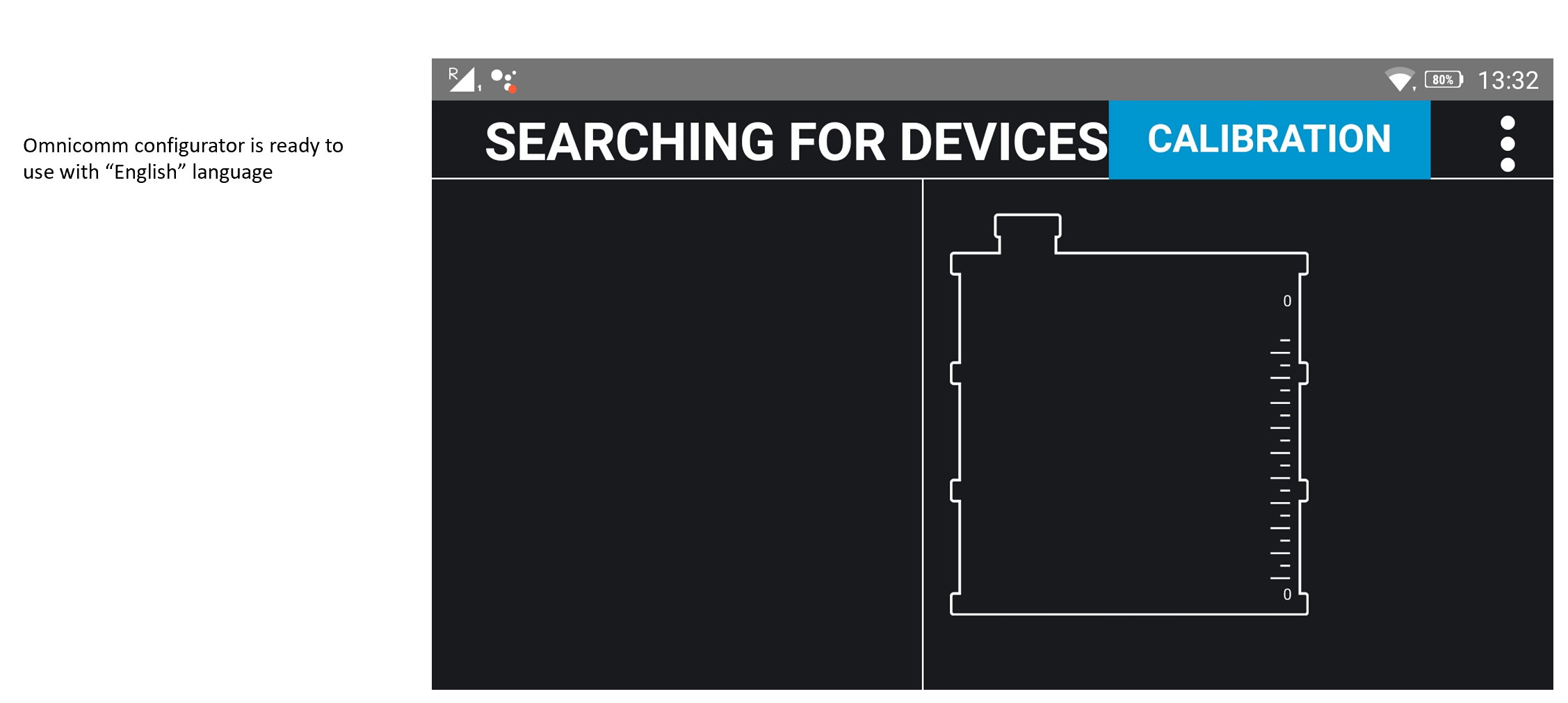
The Omnicomm Configurator is now ready to use in English.