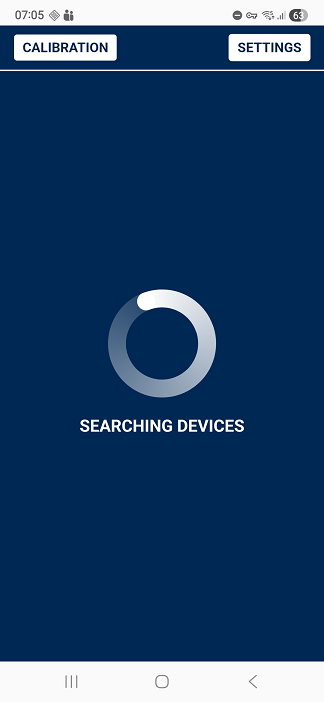
Connecting UNU to a Mobile Device Using an OTG Cable
To connect the UNU to your Android mobile device, you must use a compatible Micro-USB OTG cable (or USB-C OTG cable, depending on your device).
Use a Micro-USB OTG Cable
Make sure you are using a proper OTG-compatible cable or adapter.
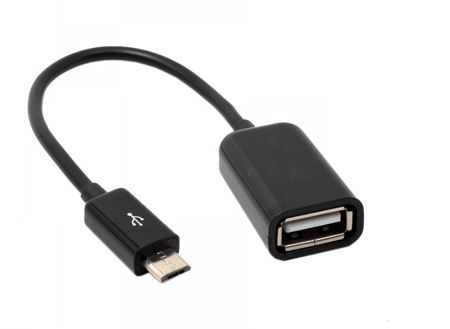
A regular USB cable will not work for direct communication.
Test the OTG Cable Before Purchase
Before buying, verify that the cable:
- Supports USB OTG
- Is compatible with your smartphone’s connector type
- Comes from a reliable, branded manufacturer
Cheap or uncertified cables may cause unstable connections or prevent communication with the UNU/LLS sensor.
Connect the Setup
Connect the devices as shown in the following image:
- Plug the OTG end of the cable into your mobile device.
- Connect the USB connector to the UNU.
- Ensure the cable is fully inserted and secure.
Once connected, your Android device should automatically detect the UNU and the sensor through the Omnicomm Configurator.