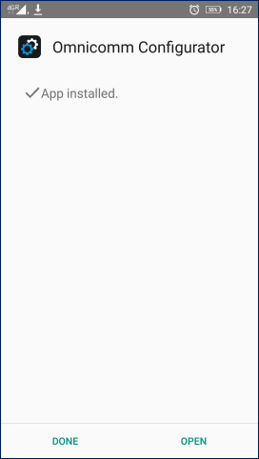
Installing Omnicomm Configurator
Follow the steps below to install the Omnicomm Configurator application on your Android device.
1. Tap the Omnicomm Configurator .apk file.
2. Press the Install button to begin installing the application.
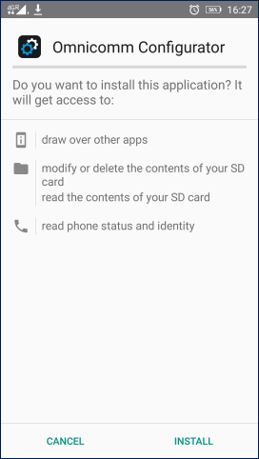
The installation process may take several seconds depending on your internet speed.
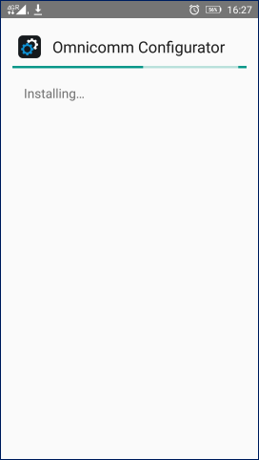
3. Confirm Permissions (if requested).
During installation or first launch, the app may request certain permissions, such as:
- Access to USB devices
- Bluetooth (if used for communication)
- File access for firmware or configuration files
Grant the necessary permissions to ensure correct operation.