
Tank Calibration
1. Tap TANK CALIBRATION to proceed for tank calibration process.
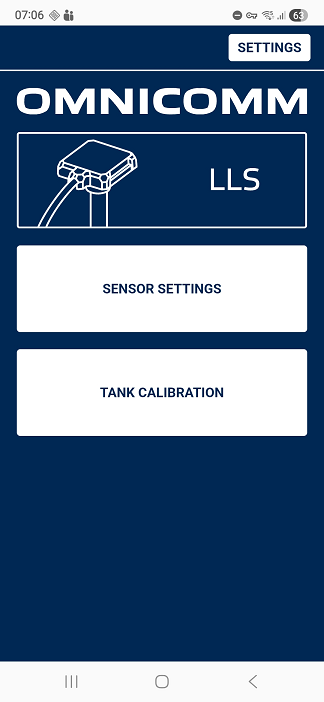
2. Fill the tank to the full and tap FULL.
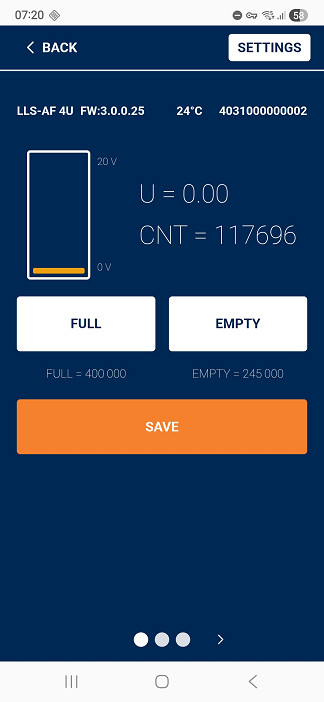
3. Emty the tank and tap EMPTY.
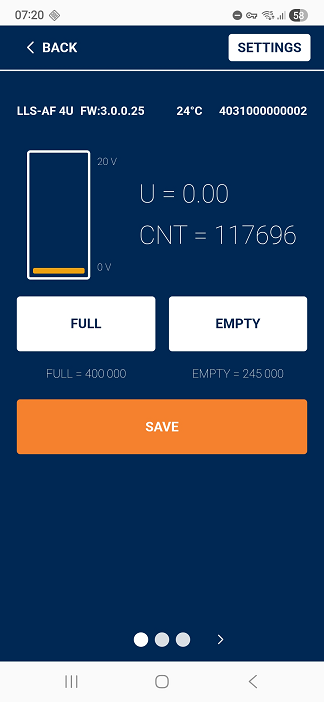
Finally tap SAVE to save the settings.
Мы исправим ошибку в ближайшее время
1. Tap TANK CALIBRATION to proceed for tank calibration process.
2. Fill the tank to the full and tap FULL.
3. Emty the tank and tap EMPTY.
Finally tap SAVE to save the settings.
