
Configurator Settings
To access the Configurator Settings, follow these steps::
1. On the start screen, tap Settings.
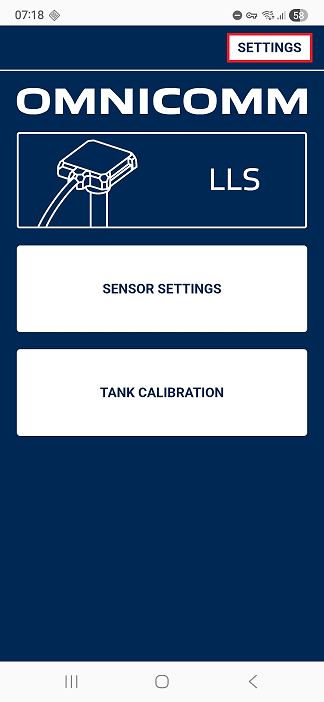
The Settings screen opens.
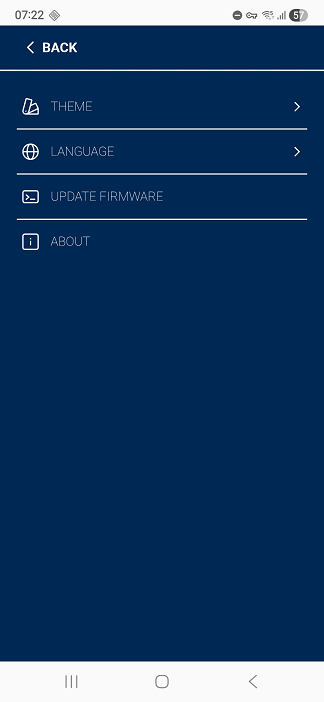
Changing Theme
1. Tap THEME.
2. Select the desired theme from the list.
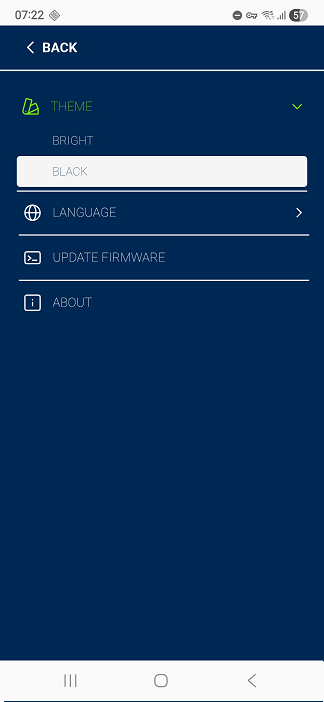
Changing Language
1. Tap Language.
2. Select the required interface language.

Updating Firmware
1. Tap on UPDATE FIRMWARE.
2. Tap OK to confirm the firmware update.

